
How to Check if my Device Supports eSIM?
1 min read·
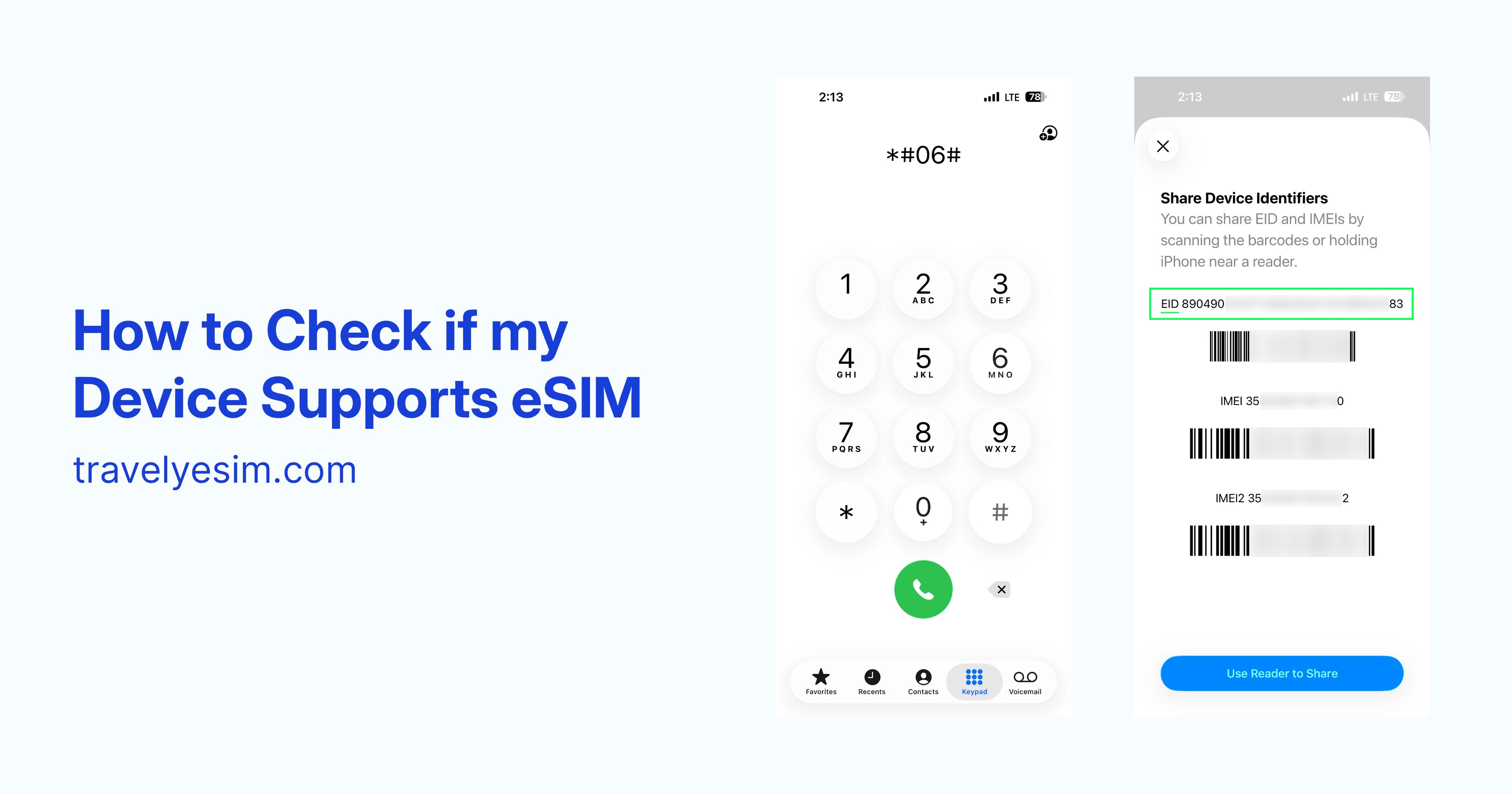
You can quickly confirm eSIM compatibility directly from your phone:
- Open the Phone app on your device (this must be the app used for making calls, not a messaging app)
- Dial *#06#
- Look for a 32-digit number labeled EID
If you see an EID number, your device supports eSIM and is compatible with Travely eSIM.
If no EID appears, your device does not support eSIM.