
How to Know If Someone Blocked You on WhatsApp?
You sent a message. One grey tick. No reply. Their profile photo is gone. Last seen, nowhere to be found.
Sound familiar?
WhatsApp doesn't send you a notification when someone blocks you. There's no alert, no banner, no explanation. The app just quietly goes silent and you're left trying to piece it together.
The good news: there are clear signs, and one method in particular that gets you as close to a definitive answer as you'll find. This guide walks through all of them, what each one actually means, and what to do next.
What Actually Happens When Someone Blocks You on WhatsApp?
When someone blocks your number on WhatsApp, several things change simultaneously on your end, but none of them are labelled or explained. WhatsApp deliberately keeps the block invisible to protect the person who used it.
Here's what changes the moment you're blocked:
- Your messages are no longer delivered to their device
- You can no longer see their last seen or online status
- Their profile picture stops updating and will eventually be hidden from you altogether, appearing as a blank or grey image.
- WhatsApp calls don't connect
- You can't add them to a group chat
The tricky part: every single one of these things can also happen for completely innocent reasons like privacy settings, a dead phone, no internet connection, or someone who just doesn't update their profile photo. That's why no single sign is proof on its own. The pattern is what matters.
The 7 Signs Someone May Have Blocked You
1. Your Messages Show Only One Grey Tick
This is usually the first thing people notice.
WhatsApp's tick system works like this:
| Tick | What it means |
|---|---|
| ✔ One grey tick | Message sent from your phone, not yet delivered |
| ✔✔ Two grey ticks | Message delivered to their device |
| ✔✔ Two blue ticks | Message read (if they have read receipts on) |
If someone has blocked you, your messages will stay at one grey tick permanently. They reach WhatsApp's servers but never make it to their phone.
But one tick can also mean:
- Their phone is off or out of battery
- They have no internet connection
- They uninstalled WhatsApp
- Their phone changed and they haven't reinstalled
What makes it suspicious: if messages to this contact were consistently getting two ticks before, and now every new message stalls at one tick for more than 24–48 hours, that's a meaningful shift.
2. Their "Last Seen" and Online Status Have Vanished
Normally, when you open a WhatsApp chat, you see either a timestamp ("last seen today at 3:42 PM") or "Online" when they're active.
If you've been blocked, both disappear completely. You'll see nothing under their name.
But this also happens when:
- They've set their last seen to "Nobody" in privacy settings
- You've turned off your own last seen (which hides others' last seen from you too)
- They've restricted it to "My Contacts Except…", which can target specific people
The telling detail: if you could clearly see their last seen before and it's now gone — without any other change in their settings that you know of, that's worth noting alongside other signs.
3. Their Profile Photo Has Disappeared or Frozen
When someone blocks you, WhatsApp immediately stops showing you their profile photo updates. You either see a blank grey avatar, or you're frozen on whichever photo they had the moment they blocked you. You'll never see future changes.
But this also happens when:
- They deleted their profile photo
- They set photo visibility to "Nobody" or "My Contacts" (and you're not saved in their contacts)
- They deleted their WhatsApp account
What makes it suspicious: if they regularly changed their photo and it's been static for weeks while mutual contacts see a different, newer photo. That's a strong signal.
4. WhatsApp Calls Don't Connect
Try making a voice or video call. If you've been blocked, the call will show "Calling…" but never ring on their end. It won't go through, no ringtone, no voicemail, nothing. It eventually shows as "Missed call" on your screen.
But this also happens when:
- They have poor internet or no signal
- Their phone is off
- They've enabled "Silence Unknown Callers" (though this only affects numbers not in their contacts)
What makes it suspicious: if calls worked before and now consistently fail across different times of day, different network conditions, and over multiple days. That pattern points to a block.
5. You Can't Add Them to a Group Chat
This is one of the most definitive indicators available.
Try creating a new WhatsApp group and adding the contact. If they've blocked you, you'll get an error message: "You're not authorized to add this contact" or "Couldn't add participant."
But this also happens when:
- They've set their group privacy to "My Contacts" or "Nobody" (and you're excluded)
- They've specifically used "My Contacts Except…" to prevent specific people from adding them
What makes it different: the group add error is the one sign that's hardest to explain away by generic privacy settings alone. Most people don't set their group privacy to "Nobody." If you get this error alongside other signs, it significantly raises the likelihood of a block.
6. Their WhatsApp Status Updates Have Disappeared
If this person regularly posted WhatsApp Status updates (those 24-hour stories) and they've completely stopped appearing for you, even when mutual contacts can still see them, that's another piece of the puzzle.
Check with a trusted mutual contact: can they see this person's Status? If yes and you can't, that's meaningful.
7. Mutual Contacts See a Different Profile Photo Than You
This is the clearest independent verification you can do without technical tricks.
Ask a mutual contact (someone who is saved in the other person's contacts) to check that person's WhatsApp profile photo. If they see a current, updated photo and you see a blank or an old photo, you've been frozen at the time of the block. This is very strong evidence.
Why You Might Need to Delete and Re-Add?
The Problem: Caching
Your phone doesn't download a new profile picture every single time you open WhatsApp. It saves (caches) the image locally to save data and load faster.
Scenario A (Simple block): They block you. WhatsApp stops updates. Your phone still has the old photo saved in its cache. To you, the photo is still there. It looks normal. You have no idea you're blocked.
Scenario B (They change their photo after blocking you): Now the cached photo on your phone (the old one) doesn't match the new reality (they have a new photo, but you're blocked from seeing it). WhatsApp can't load the new one, so it shows a blank/grey image.
The "Delete and Re-add" method forces your phone to clear the cache for that contact. It stops looking at its saved copy and asks WhatsApp's server, "What is this person's current profile picture?"
Not blocked: Server says "Here it is." Photo loads normally.
Blocked: Server says "You are not allowed to see this." Profile photo is blank or greyed out.
So when is the "Delete and Re-add" method actually needed?
You only need this method in one specific situation:
You suspect you were blocked long ago, but you STILL see their old profile picture normally.
In that case, the simple "disappearing image" test fails. The image hasn't disappeared because your phone is just holding onto the old one forever. Deleting and re-adding forces the truth.
✅ This method does not notify the other person. It doesn't delete your chat history. It doesn't violate any WhatsApp rules. You're simply refreshing a contact entry.
Combining the Signs: What Does It Mean?
Here's a quick reference for reading the situation:
| What you're seeing | Likelihood of block |
|---|---|
| Just one grey tick, for over 48 hours | Low–Medium (could be phone/signal issues) |
| One tick + no last seen | Medium |
| One tick + no last seen + blank profile photo | High |
| All of the above + calls don't connect | Very High |
| All of the above + can't add to group | Near certain |
| All of the above + delete/re-add shows blank photo | Strongest confirmation available |
The rule: one sign = probably nothing. Three or more together, consistently, over several days = very likely blocked.
Wait. Could It Just Be a Signal Problem?
Yes. And this is genuinely worth considering before assuming the worst.
If the person you're trying to reach is travelling, especially abroad without a reliable data connection, every single sign above can appear simultaneously and mean absolutely nothing:
- Messages stuck at one tick: no internet
- No last seen: offline, or privacy mode
- Calls don't connect: no signal
- Profile photo not updating: not online long enough to sync
Someone on a budget roaming plan, relying on patchy hotel Wi-Fi, or in a country where their carrier doesn't have a roaming agreement will look identical to someone who has blocked you.
The fix for them, and for you staying connected anywhere, is a travel eSIM. With Travely eSIM, you get instant local data the moment you land in 200+ countries, with no SIM cards, no roaming fees, and no spotty Wi-Fi dependency. You keep your regular WhatsApp number active throughout. Direct installation or one scan of a QR code and you're online.
If you're the one traveling and someone's wondering why your messages aren't going through, this is the answer.
What to Do If You've Been Blocked
Accept it and move on. The block feature exists for a reason — usually privacy, safety, or someone choosing to step back from a relationship or conversation. Trying to work around it disrespects that boundary.
Do:
- Reflect on whether a message or conversation may have caused friction
- Reach out through another channel (email, phone call, or in person) if the relationship matters and a genuine misunderstanding seems possible
- Give it time. Sometimes people take digital breaks
Don't:
- Send a barrage of messages from your existing chat (they still show one tick and go nowhere, but it can feel desperate)
- Create a second WhatsApp account to test the block or re-establish contact. This might violate WhatsApp's terms of service and the person's clear preference.
- Assume the worst about yourself. Sometimes people block contacts during a difficult personal period that has nothing to do with you
Can You Block Someone on WhatsApp Without Them Knowing?
Yes. That's actually how WhatsApp designed it. When you block someone, they receive no notification. From their side, messages go to one tick and stay there. They see the signs described in this article, but WhatsApp never confirms it.
How to block someone on WhatsApp
- iOS: Open the chat → tap their name at the top → scroll down → Block
- Android: Open the chat → tap the three-dot menu → More → Block
You can also manage all blocked contacts in one place:
Settings → Privacy → Contacts → Blocked Contacts
FAQs
Does WhatsApp tell you when someone blocks you?
No. WhatsApp sends no notification, alert, or confirmation when someone blocks you. The block is designed to be silent to protect the person who used it.
What does one tick mean on WhatsApp?
One grey tick means your message was sent from your device and reached WhatsApp's servers, but hasn't been delivered to the recipient's phone. It can mean the recipient's phone is off, they have no internet, they deleted WhatsApp, or you've been blocked.
Can I still see someone's profile picture if they block me?
In most cases, the image will disappear and turn grey or blank. In rare cases, it might get frozen and you won't see any future updates. If you do the delete-and-re-add method, the photo will appear blank.
Will deleting a contact remove my WhatsApp chat history?
No. Deleting a contact from your phone's address book does not delete your WhatsApp conversation. The chat stays in your WhatsApp list, labelled by their phone number instead of their saved name.
Why do messages sometimes show one tick for no reason?
The most common innocent causes are: the recipient's phone is off, they have no internet connection (especially common when travelling without a data plan), they've uninstalled WhatsApp, or there's a temporary server issue.
How can I tell if it's a signal problem or a block?
Wait 48 hours and check multiple signs together. If the person is abroad, signal problems are especially common. A travel eSIM from Travely means anyone you're trying to reach stays connected wherever they are. So silence is more likely an actual block than a data issue.
Can someone block me and still be in a group chat with me?
Yes. Blocking only affects direct messages and calls between you. If you're both already in a shared group chat, you remain in the group together. You'll see each other's group messages but can't message each other directly.
What happens to my messages after I unblock someone?
If someone unblocks you, they won't receive any messages you sent during the block period. Those messages are gone permanently. WhatsApp doesn't queue and deliver them retroactively.
Stay Connected Wherever You Are
The irony of the "have they blocked me?" spiral is that it's often caused by bad signal, not a block at all. Someone travelling without reliable data looks exactly like someone who's cut you off.
If you're heading abroad and want to make sure your WhatsApp keeps working, messages delivering, calls connecting, statuses loading, a travel eSIM is the simplest solution. Travely eSIM covers 200+ countries, activates by direct installation or QR code in under 60 seconds, and keeps your existing WhatsApp number fully active throughout.
No signal gaps. No one-tick mysteries. No guessing.
View all 200+ destinations →








Related Reads
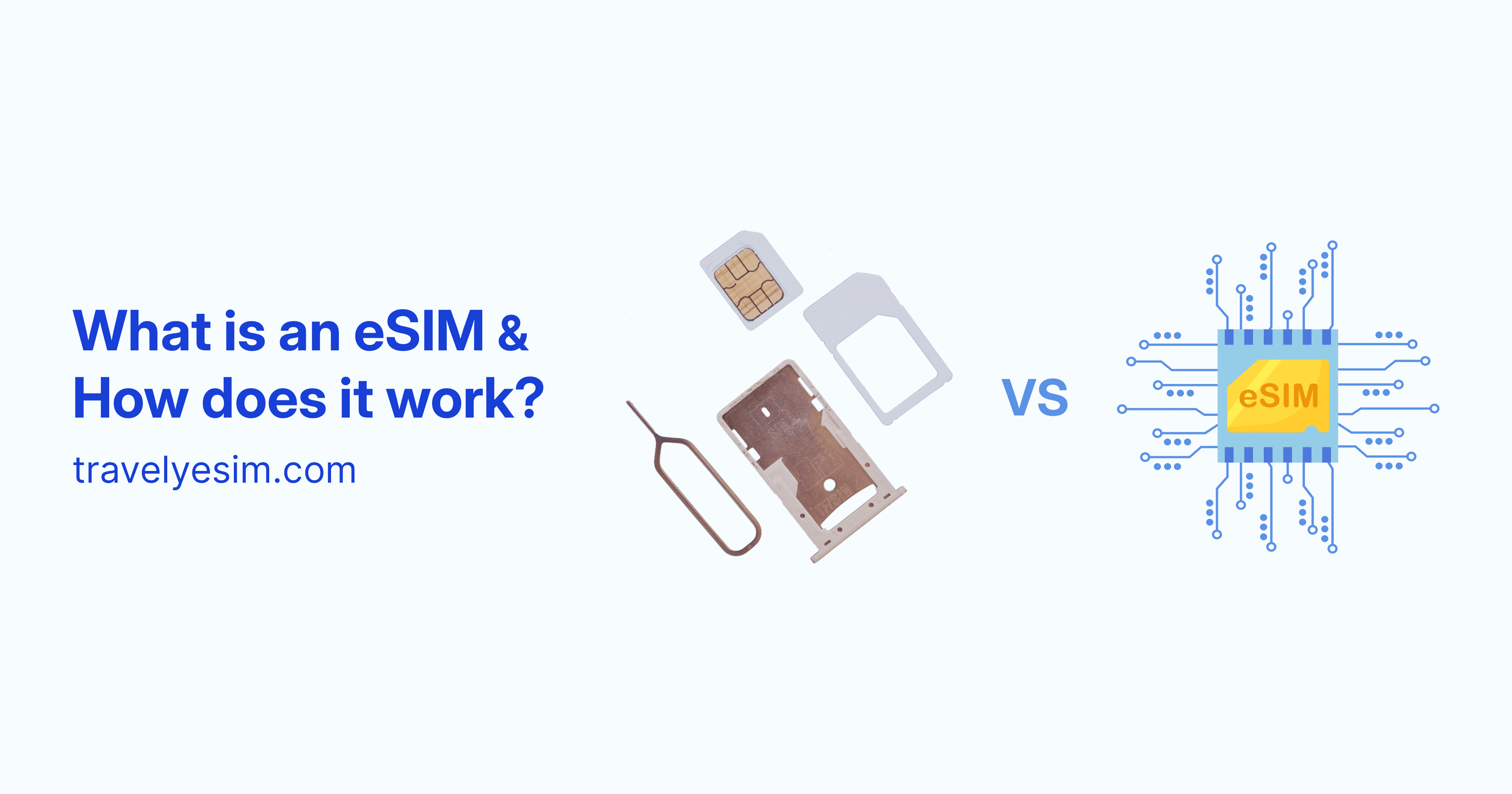
eSIM Explained: What It Is, How It Works & What an eSIM Card Does (2026)
What is an eSIM? Learn what eSIM means, how eSIM technology works, how an eSIM card compares to a physical SIM, and why it's the smartest way to get data when you travel.
What Is Tethering and How It Works? (3 Types Compared)
Tethering turns your phone into a mobile Wi-Fi router. Here's how all 3 types work, how they compare on speed and battery, and how to tether with a travel eSIM abroad without roaming fees.
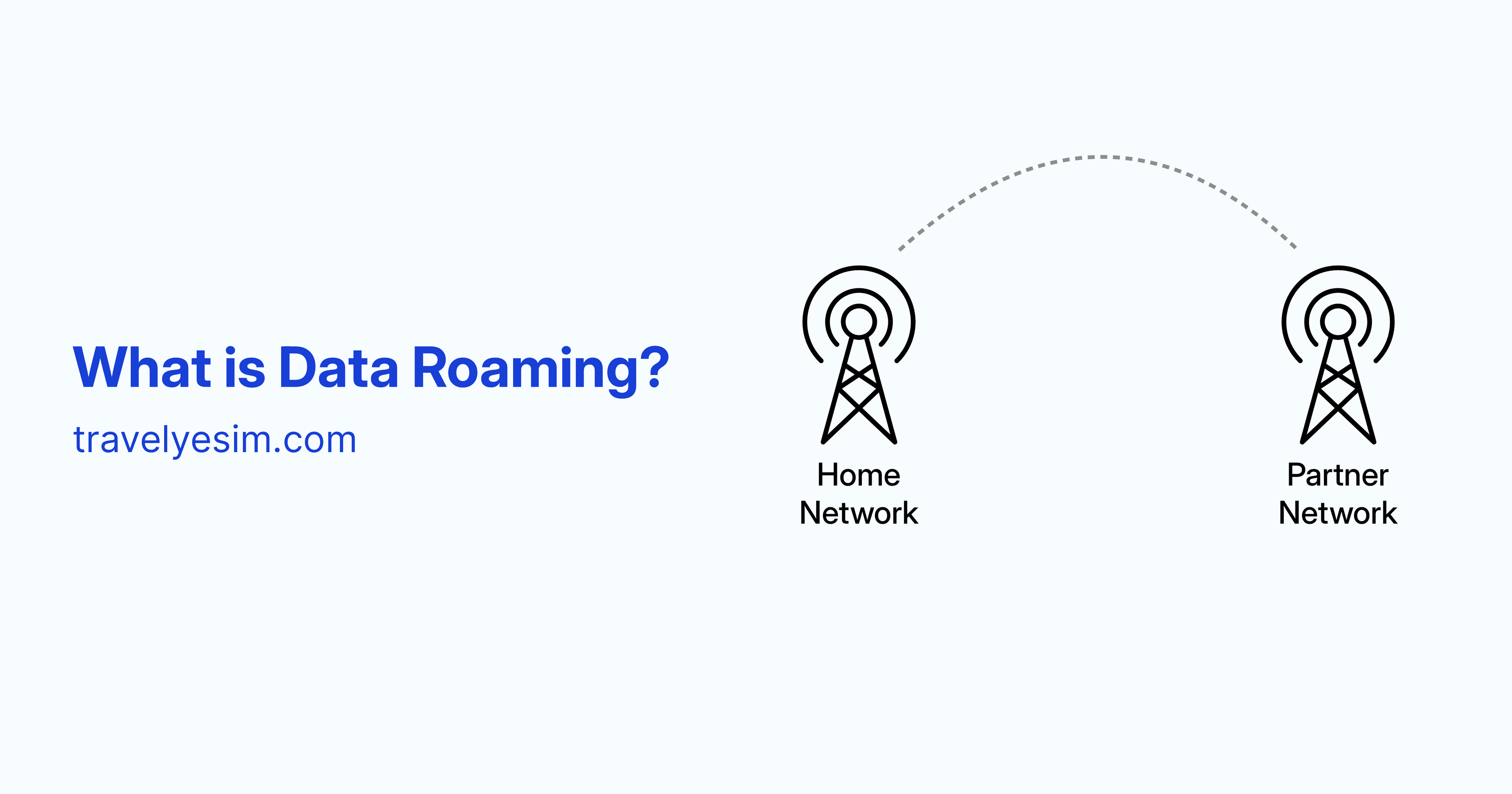
What Is Data Roaming? How It Works, What It Costs, and How to Avoid It
Data roaming lets your phone stay online abroad, but it can cost a fortune if you're not careful. Here's exactly how it works, what it costs, and the smartest ways to avoid the bill shock.
How to Reduce Cellular Data Usage on iPhone
Learn the best iPhone settings to drastically reduce cellular data usage, save bandwidth, and avoid unexpected mobile data charges.
How to Set a Mobile Data Limit on Android? (Avoid Unexpected Data Usage)
Learn how to set a mobile data limit on Android phones like Samsung Galaxy and Google Pixel to avoid running out of data while traveling with an eSIM.
What Is Airplane Mode? What It Does & 7 Smart Uses
Airplane mode turns off cellular, Wi-Fi & Bluetooth, but GPS still works. Learn what it does, what still works & 7 clever uses to save battery and block roaming
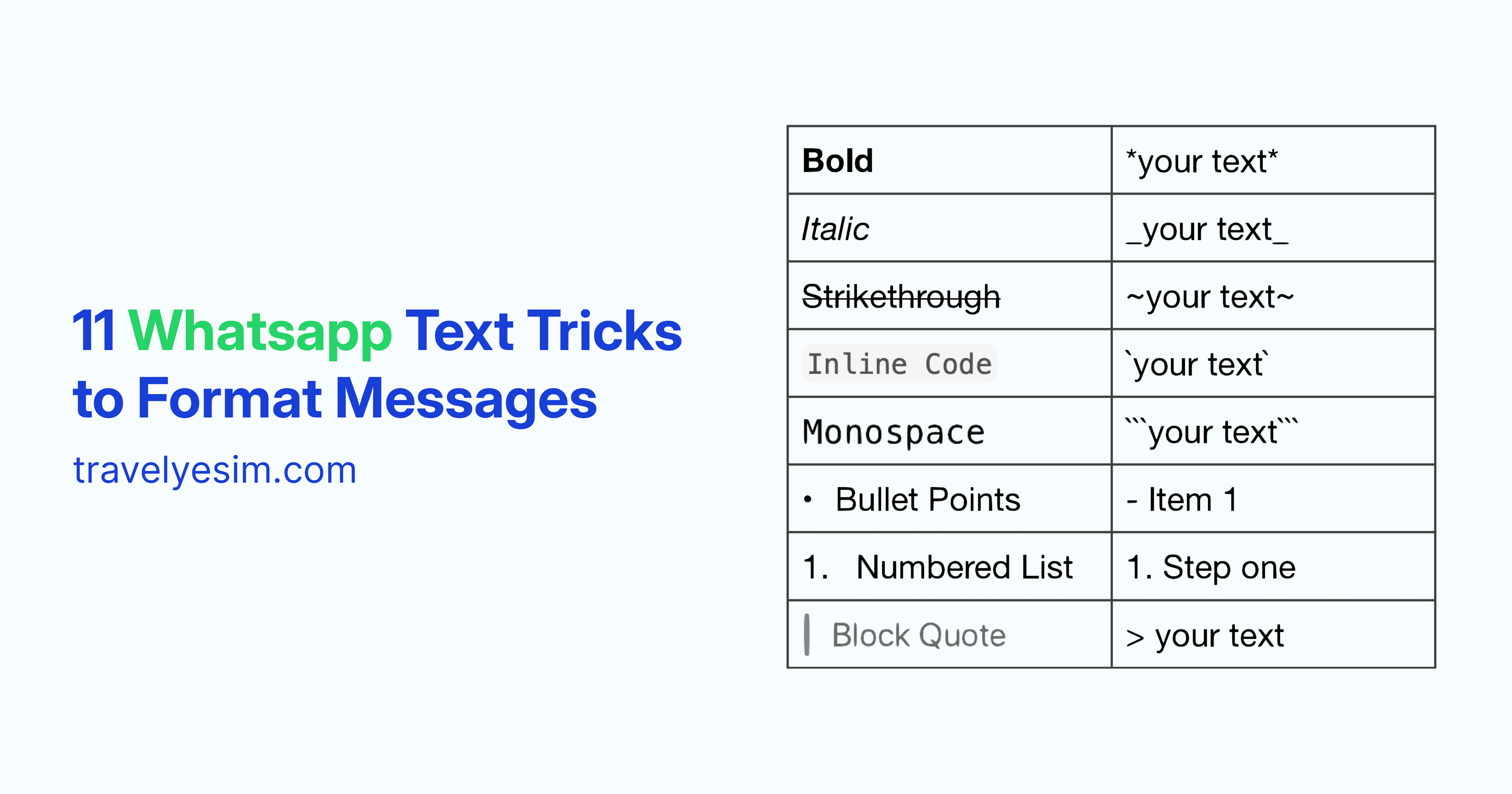
11 WhatsApp Text Tricks to Format Messages
Learn how to format WhatsApp messages with bold, italics, lists, quotes, and more. Simple text tricks that make your messages clearer and easier to read.

12 WhatsApp Tips & Tricks You’ll Actually Use (2026 Guide)
The most useful WhatsApp tips for 2026. Save time, protect your privacy, and use WhatsApp smarter at home or while traveling.